Interactive Walkthrough
Access our database of Supademo videos here:
https://app.supademo.com/showcase/cm9indmzl002pwt0i2fosboin
Step by Step Process:
How to Resend a Student a Welcome Email
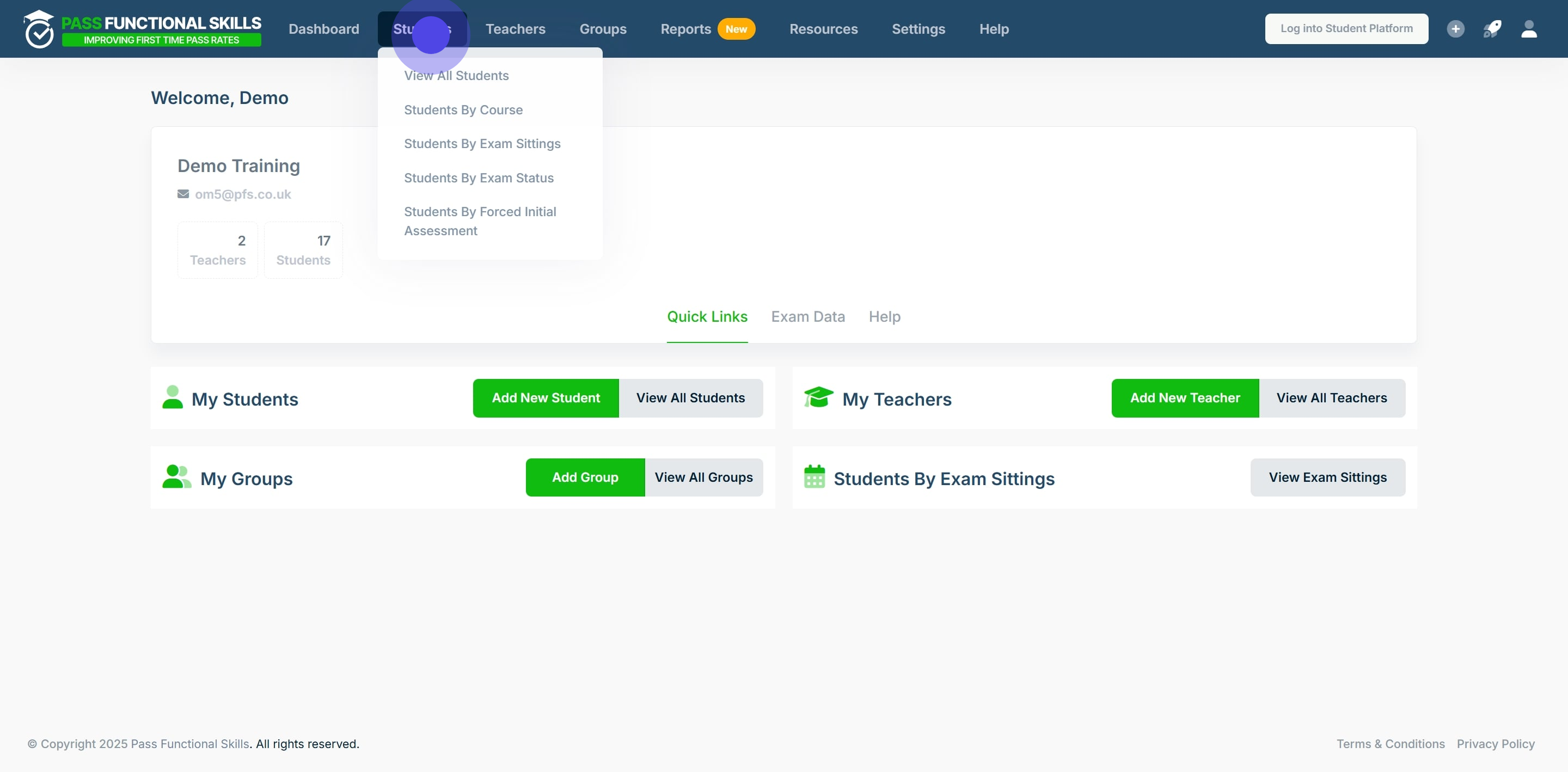
1. First up, click on "Students". In this example we will be resending student "Amelia Carter" a welcome email.
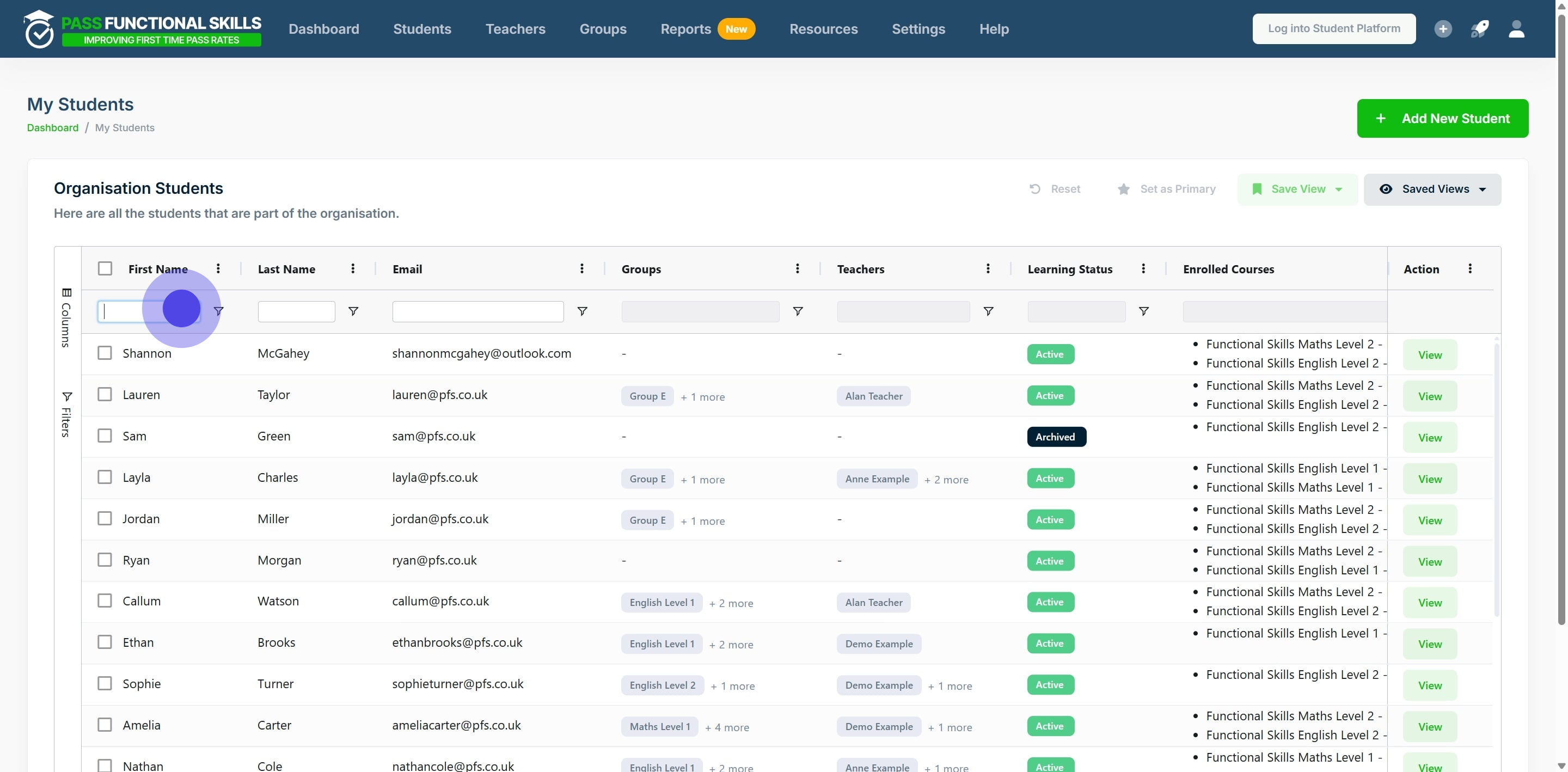
2. Scroll through the table to find the specific student, or, use the search bars in the columns to filter the tables results.
In this example we will type "Amelia" into the first name column's search bar, and press the "enter" key on our keyboard.
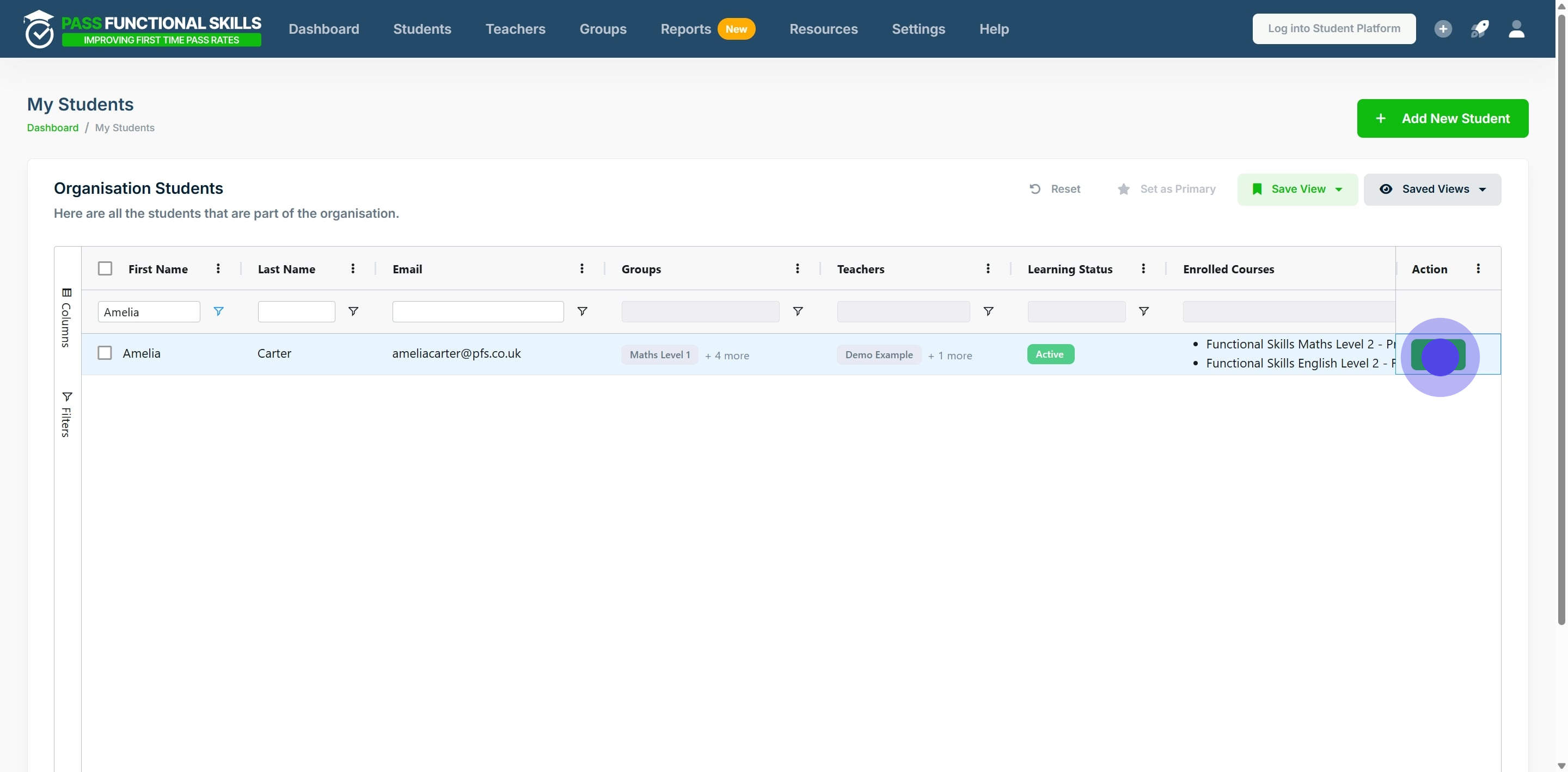
3. Click on "View".
4. Now, click on "Send a notification".
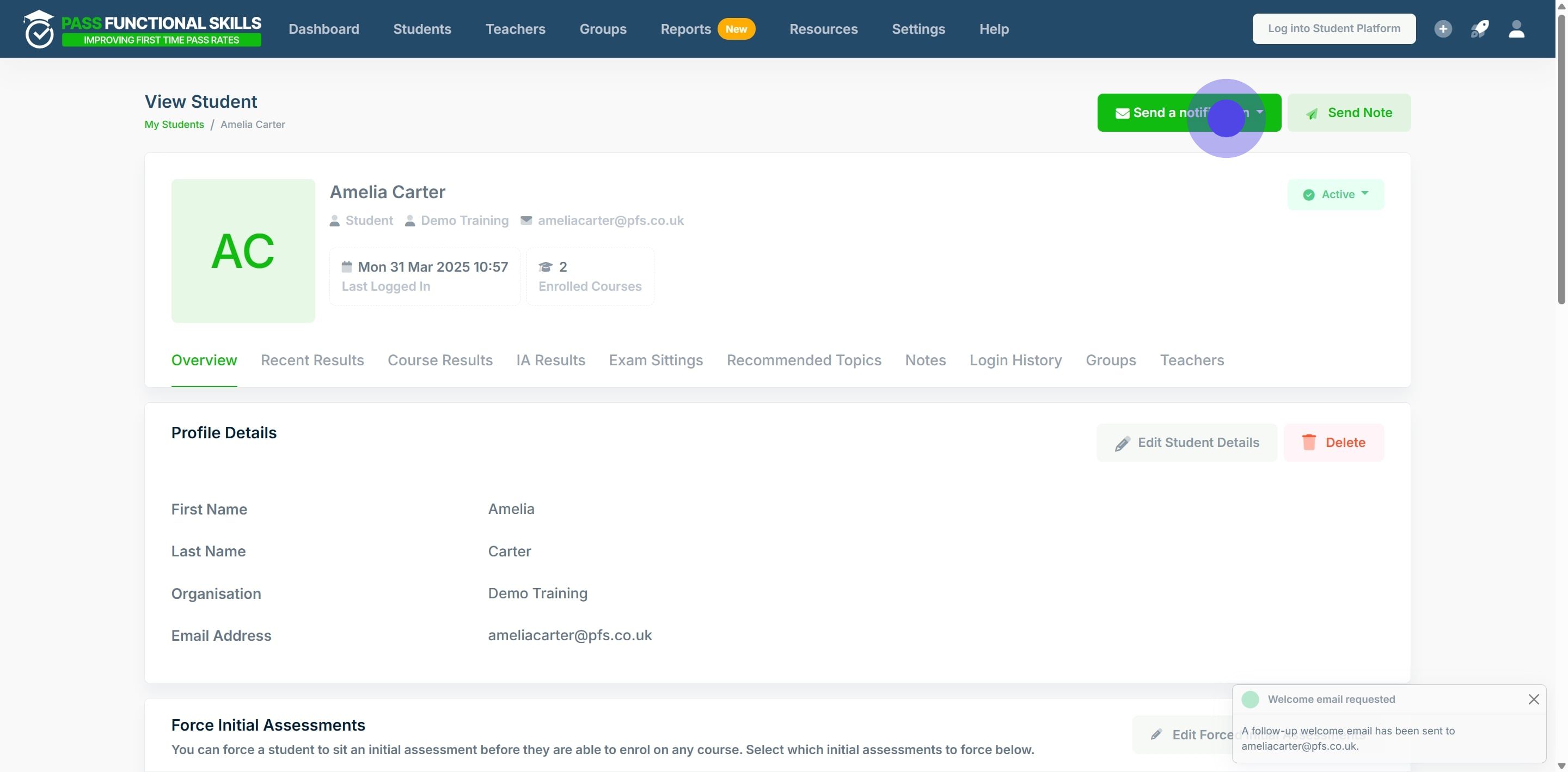
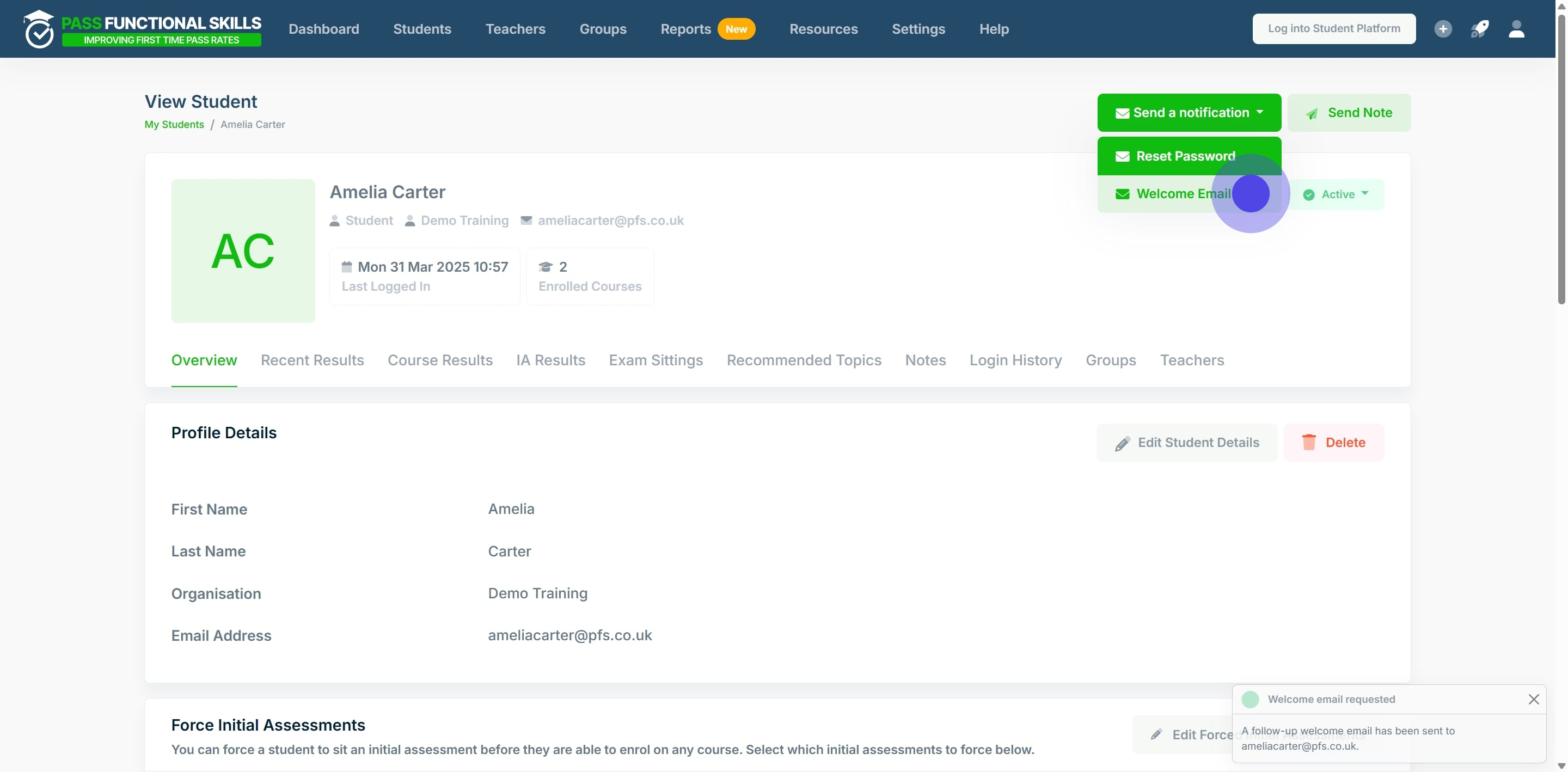
5. Click on "Welcome Email" to resend the student a welcome email.